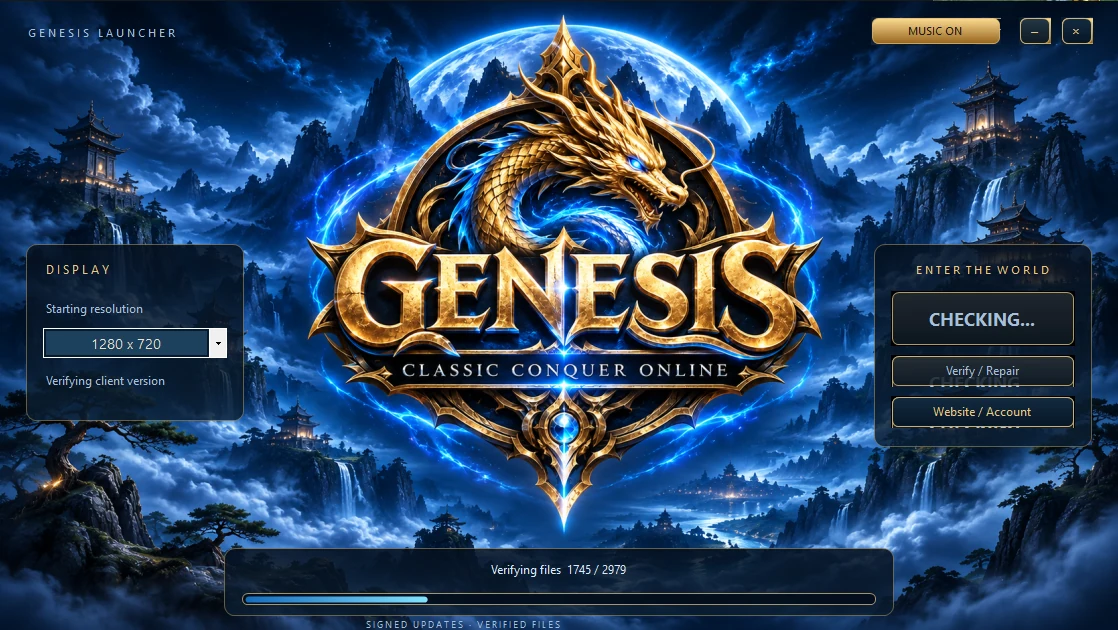
Display settings
In the launcher’s Display panel you can choose a resolution, Fullscreen Client, Unlimited FPS Option and Disable Visual Effects. Disabling effects hides shadows, gem glows and spell effects. Restart the game to apply the preference.
HUD and keys
Hover over the VIP icon above the HUD to find TASK, QUESTS, SHOP and NOBILITY. You can also toggle Auto Control, Auto Right Click and Night/Day here. Print Screen saves a PNG of the game window in the screenshot folder next to Conquer.exe.